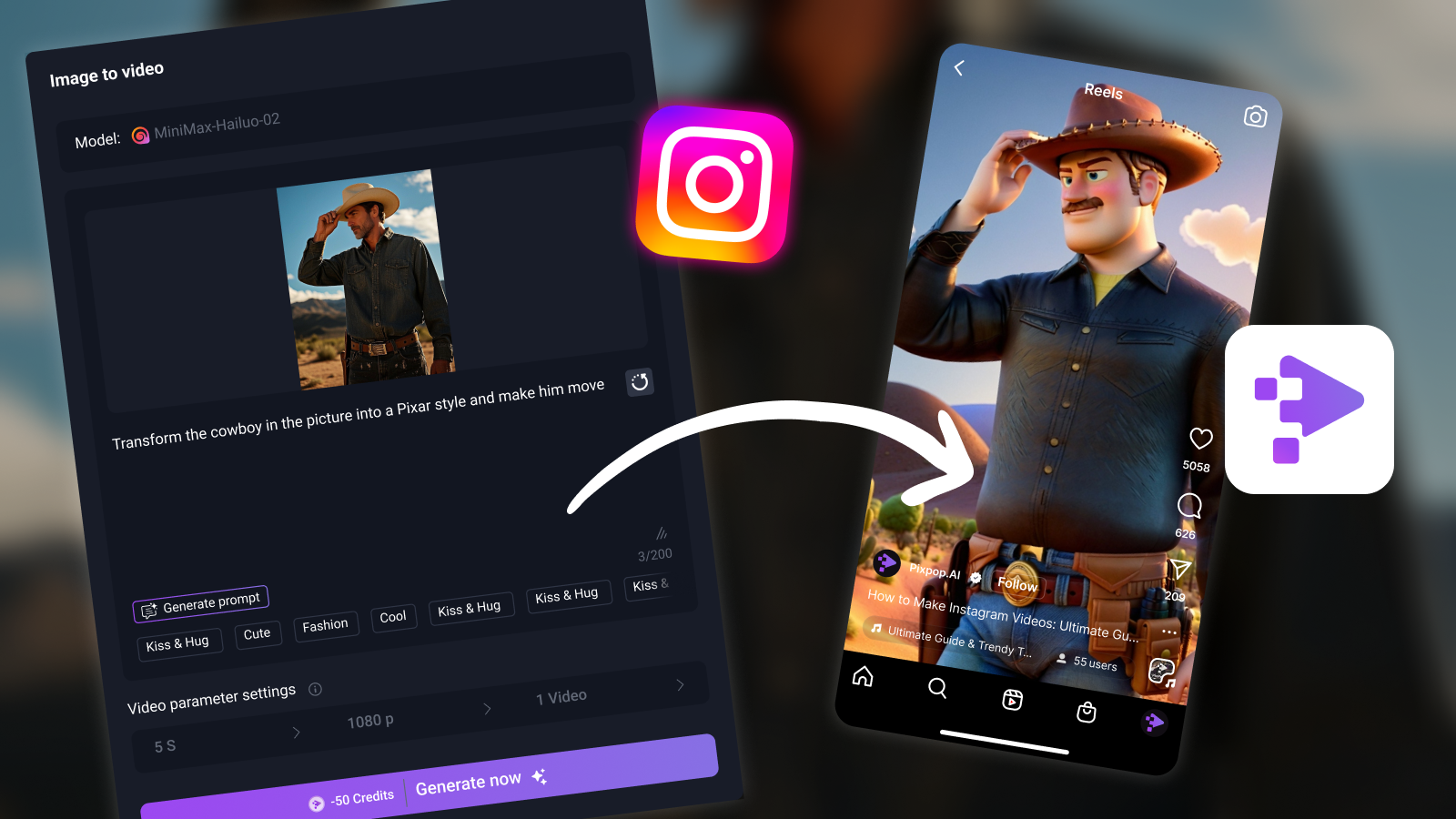
How to Make Instagram Videos: Ultimate Guide & Trendy Tools
Create eye-catching Instagram videos in minutes with PixPop’s AI tools. Start free today and turn your photos into scroll-stopping content that boosts engagement instantly!
How to Make Instagram Videos: Ultimate Guide & Trendy Tools
PixPop.ai
September 27, 2025
16:00:00
Trending topics
Thumbnails for YouTube Videos: A Guide to Scroll-Stopping Thumbnails
Video Production Company: Elevate Your Brand with Best Team
5 Best AI Dance Video Generators – Create Viral Dance Videos Easily
How to Make Instagram Videos: Ultimate Guide & Trendy Tools
How to Make a Video on Facebook: Ultimate Guide to Engaging Content
Social Media Video Production Made Easy - Top 5 Platforms
Social media

Frequently asked questions

Q1. How do you make YouTube videos without a camera?

You don’t necessarily need a camera to create quality YouTube content. You can use screen-recording software, slideshow tools, or AI-powered solutions like PixPop’s YouTube video maker, which transforms images and text into videos. This way, you can still publish engaging content quickly and cost-effectively.

Q2. How make a video for YouTube on mobile?

Making YouTube videos on mobile is easier than ever. You can film directly with your smartphone and edit using apps like CapCut or InShot. Alternatively, AI tools such as PixPop image-to-video generator let you create videos on desktop and share them instantly to YouTube for a professional finish.

Q3. How to make video from YouTube—can I repurpose content?

Repurposing content from YouTube is possible, but you should only reuse your own videos to comply with platform policies. Instead of downloading others’ content, transform blogs, scripts, or images into fresh videos. Tools like PixPop’s AI YouTube video maker help you generate original, optimized videos ready for upload.

Q4. What’s the easiest way to make a video on YouTube?

The easiest way to make a YouTube video is to start with simple tools. Use your phone for filming, add quick edits, and upload directly. For even faster results, PixPop enables beginners to generate professional-quality videos with AI, eliminating the steep learning curve of traditional editing.

Q5. Can AI tools really help me create videos faster?

Yes, AI tools significantly reduce production time. Platforms like PixPop, Lumen5, and Pictory automate tasks such as editing, transitions, and script generation. With PixPop’s AI-powered YouTube video maker, you can turn images into polished videos in minutes—ideal for creators who want to publish consistently and grow quickly.

Related articles

Thumbnails for YouTube Videos: A Guide to Scroll-Stopping Thumbnails
Video Production Company: Elevate Your Brand with Best Team
5 Best AI Dance Video Generators – Create Viral Dance Videos Easily
How to Make Instagram Videos: Ultimate Guide & Trendy Tools
How to Make a Video on Facebook: Ultimate Guide to Engaging Content
Social Media Video Production Made Easy - Top 5 Platforms